Adidas Yeezy Boost 750 | CGI Breakdown
This is one of my latest CGI projects. Here, I will outline my production process and methodologies in creating a photorealistic rendering of the Yeezy Bosot 750 boot from Adidas.
_________________
ArtStation: www.artstation.com/RobBryantJr
Instagram: www.instagram.com/RobBrtantJr
Behance: www.behance.net/RobBryantJr
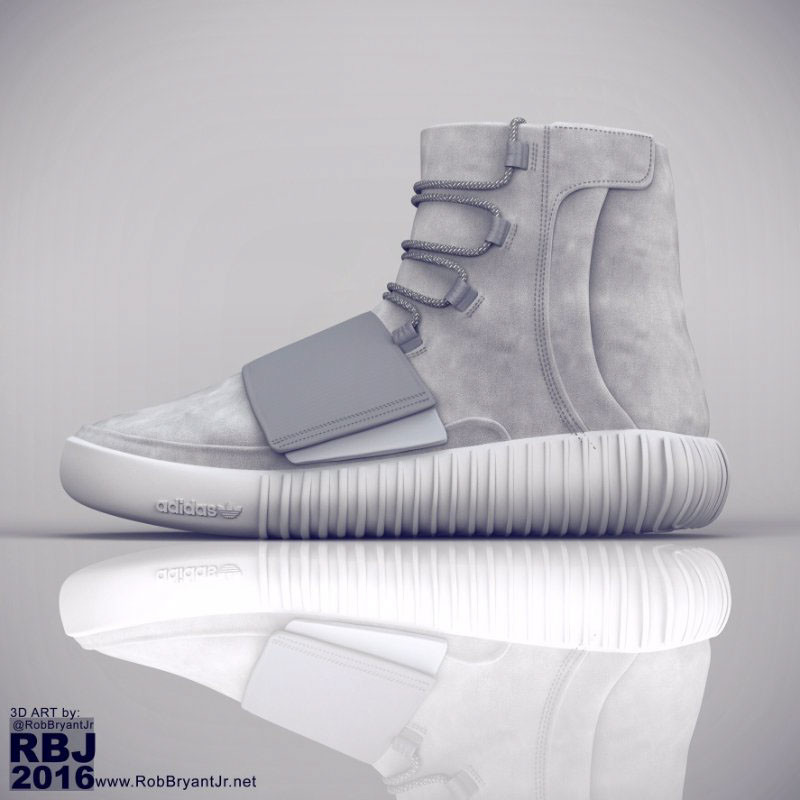
Yeezy Boost 750 | Full Render

Yeezy Boost 750 | Details Render 01
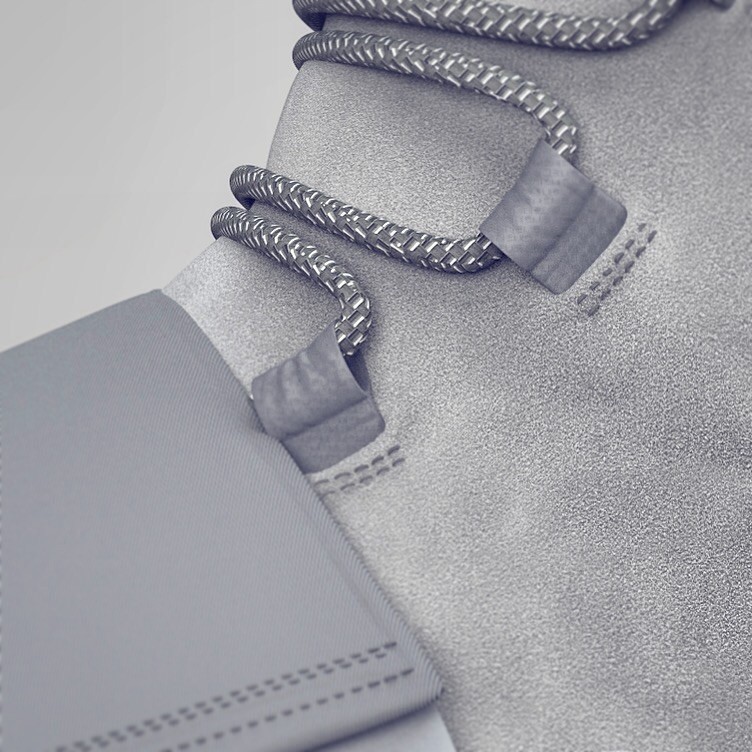
Yeezy Boost 750 | Details Render 02

Part 1:
A journey of a thousand miles begins with a single step, so says Confucious.
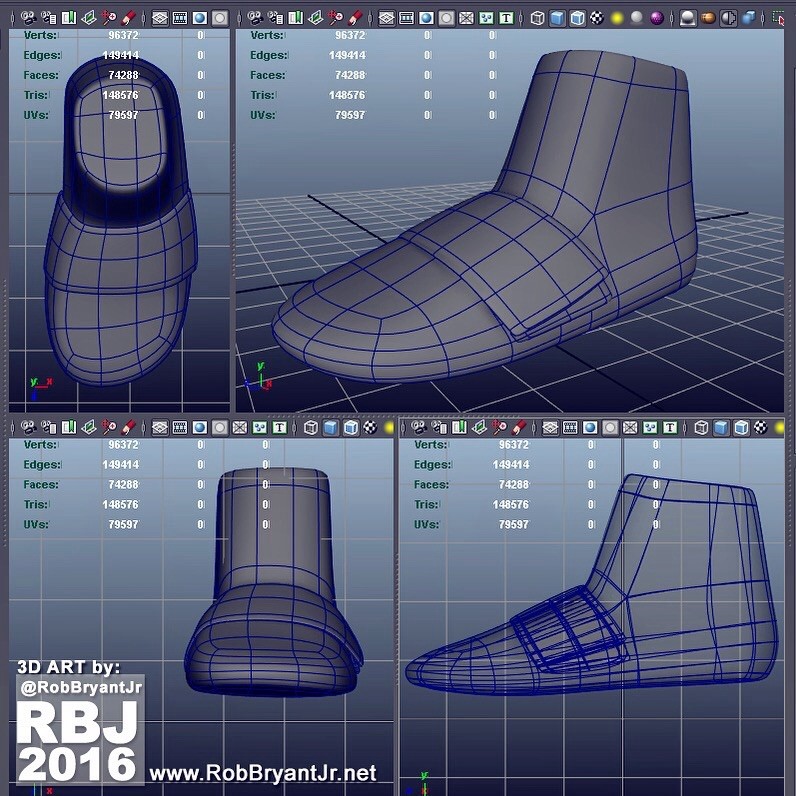
Well, here is where this journey begins. I start by creating a basic last for the shoe. I stay loose here and the overall form for the shoe main is what I'm after.

Part 2:
Once the main part of the boot is blocked in I begin extruding the top faces upward to form the higher part of the boot's neck. I'm still being very loose at this stage (avoiding getting distracted by finer level details).
Part 3:
I start to block in the strap of the shoe that lies partially on the toebox.

Part 4:
Time to start thinking about the sole. This particular boot has a pretty intricate sole design, but once again I'm avoiding dealing with the finer level details at this phase. I merely block in the overall shape of the sole.

Part 5:
In order to better see what I'm doing I apply basic materials to the individual fabric pieces. This is not texturing or shading... It's simply color blocking. I also deleted the top faces to make a path for the inner shoe extrusion later.

Part 6:
Ok, so now that the overall boot is blocked in it's time to move to second level details. Here, I add the shoelace straps/holders as well as blocking in the side flaps. I've also further refined the sole and other minor adjustments to the overall
Part 7:
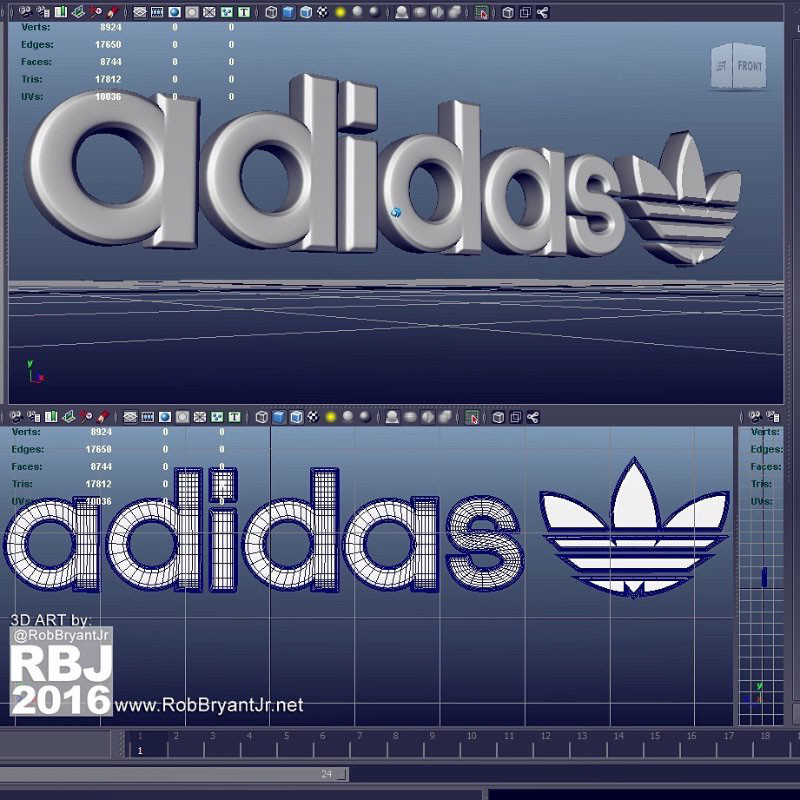
Alright, now before moving on I think it's a good place to create the iconic Adidas logo that will sit on the sole's front side.

Part 8:
I position the Adidas logo where it will sit on the sole. While I'm on the sole it just makes sense to tackle the ridges that flow from the mid to the back of the sole also. I do this by evenly splitting the sole and selecting every other face to
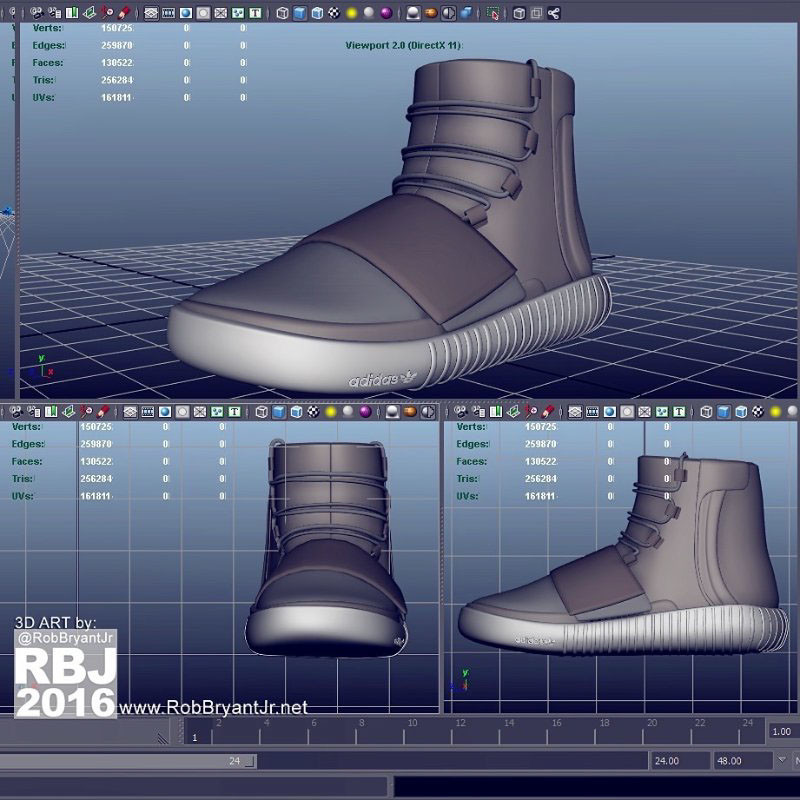
Part 9:
For modeling the shoelaces I decided to start by creating profile curves and extruding them along the path using an oblong NURBS curve.
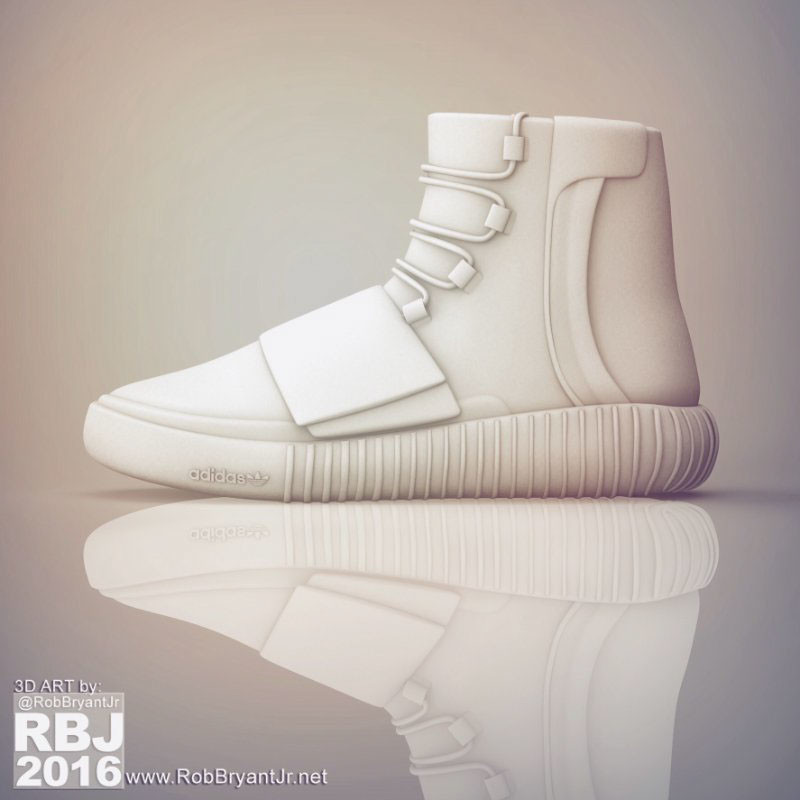
Part 10:
At this point I want to check the base mesh geometry to make sure everything looks OK. A test render lets me know I'm headed in the right direction.
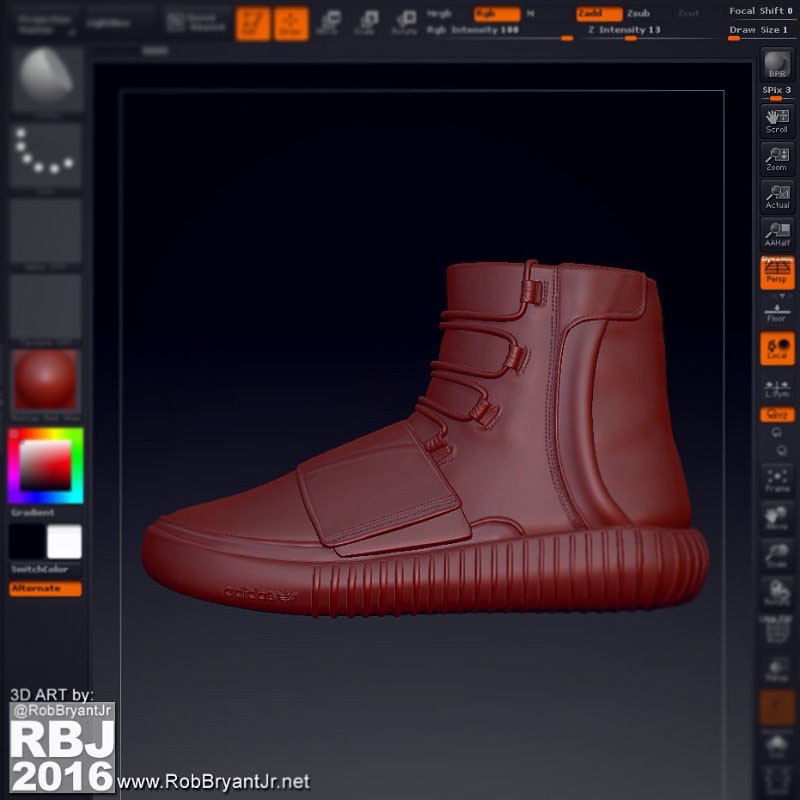
Part 11:
Now that I know the base mesh it's time for the fifth level of details. Here is when I reach for ZBrush's powerful sculpting brushes. I add wrinkles, stitching and imperfections to really sell the credibility. Once I'm happy with the sculpt it's

Part 11:
The sole was pretty straight-forward. I used a fractal bump map to give the feeling of raised bumps (not too intense, very subtle, but noticeable). The suede, on the other hand, is always a tricky material to nail because of its imperfections. I

Part 12:
For the shoelaces, I created a geometric pattern in Photoshop that would tile seamlessly and give a really organic feel to the material. I then rotated the texture as it was applied to break up the mechanical feel.
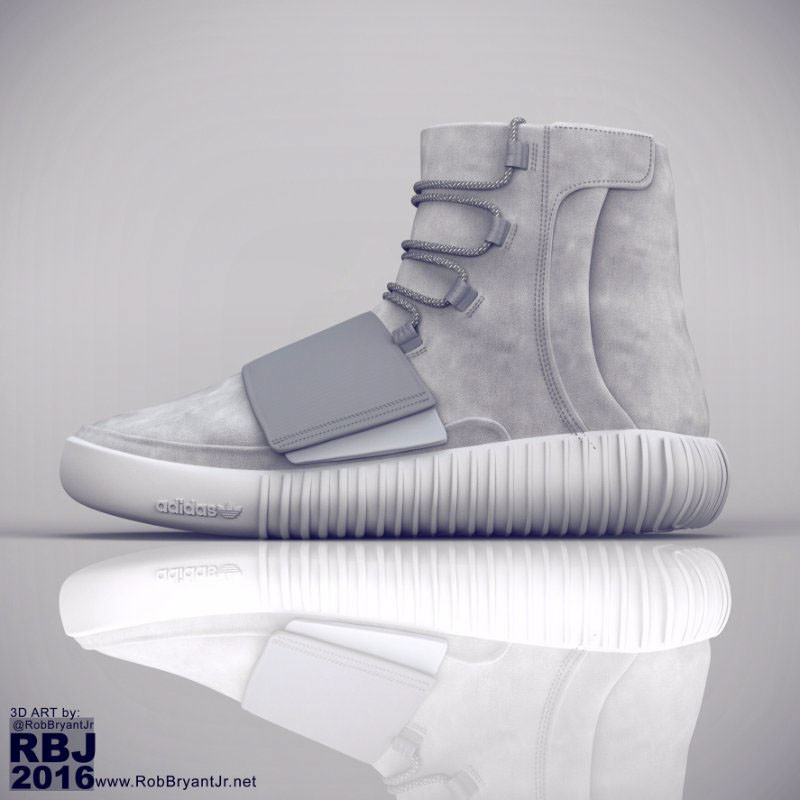
...and that's it folks!! I had a blast working on this project and I hope you enjoyed the journey. Here is the final render of the full boot: